WordPress Website Redesign: A 2026 Guide for Small Business
WordPress Website Redesign: A Practical 2026 Guide for Small Business Owners
A WordPress website redesign is the process of rebuilding your site’s design, content, and structure while keeping the parts that already work — your domain, your SEO equity, and (ideally) your rankings. Most small business owners start thinking about a redesign for one of three reasons: the site looks dated, it’s slow on mobile, or it simply isn’t bringing in leads anymore. If any of those sound familiar, the good news is that a redesign done in the right order — audit, plan, build, test, launch — rarely has to mean starting from zero.
How Do You Know It’s Time for a WordPress Website Redesign?
Not every website problem calls for a full redesign. But a few warning signs tend to show up together, and once they do, patchwork fixes stop being worth the time:
- Mobile experience is rough. Tiny text, buttons that are hard to tap, or layouts that need pinching and zooming push visitors away fast — more than half of mobile visitors abandon a site that takes longer than three seconds to load.
- The design looks like it’s from another decade. Visitors form an impression of your credibility within seconds of landing on your homepage, and a dated layout costs you trust before you’ve said a word.
- Content is out of date. If you’ve changed your services, pricing, or hours and your site still reflects the old version, it’s actively confusing potential customers.
- Traffic or leads are sliding. Search algorithms and user expectations shift constantly; a site built five years ago is often working against current SEO standards rather than with them.
- Visitors show up but don’t convert. Weak calls to action, buried contact info, or a confusing menu can quietly cap your conversion rate no matter how much traffic you drive.
- Something is technically broken. Expired plugins, missing HTTPS, broken links, or a theme that no longer gets updates are security risks as much as they are design problems.
If two or three of these apply, a WordPress website redesign is usually the more efficient path — trying to patch each issue individually tends to cost more in the long run than addressing them together (Network Solutions).
Redesign, Refresh, or Rebuild? Choosing the Right Approach
These three terms get used interchangeably, but they’re different projects with different price tags:
- A refresh keeps your existing theme and structure and updates colors, fonts, images, and copy. It’s the fastest and cheapest option when the bones of the site are still solid.
- A redesign replaces the visual design and often the navigation and page layouts, while keeping your existing content strategy, domain, and most of your URL structure intact.
- A rebuild starts over — new theme, new information architecture, sometimes a new page builder or hosting setup. This is the right call when the underlying platform is holding you back, not just the visuals.
Most small businesses that ask for a “redesign” actually need the middle option: a real design update that doesn’t throw away the SEO and traffic the current site has already earned.
What a WordPress Website Redesign Actually Costs
Pricing varies widely depending on scope, but general market ranges are useful for setting expectations. Template-based redesigns for straightforward small business sites typically run in the low thousands, while fully custom designs with new functionality can run considerably higher, and enterprise-level rebuilds climb well beyond that (Wisdm Labs). Beyond the initial project, budget for ongoing maintenance — security updates, backups, and monitoring — since a freshly redesigned site still needs upkeep to stay fast and secure. The right number for your business depends on how many pages you have, whether you need new features like booking or e-commerce, and who you hire to do the work.
The Step-by-Step WordPress Redesign Process
The single biggest risk in any WordPress website redesign isn’t the design — it’s losing the SEO rankings and traffic your current site already has. Here’s the order that protects both:
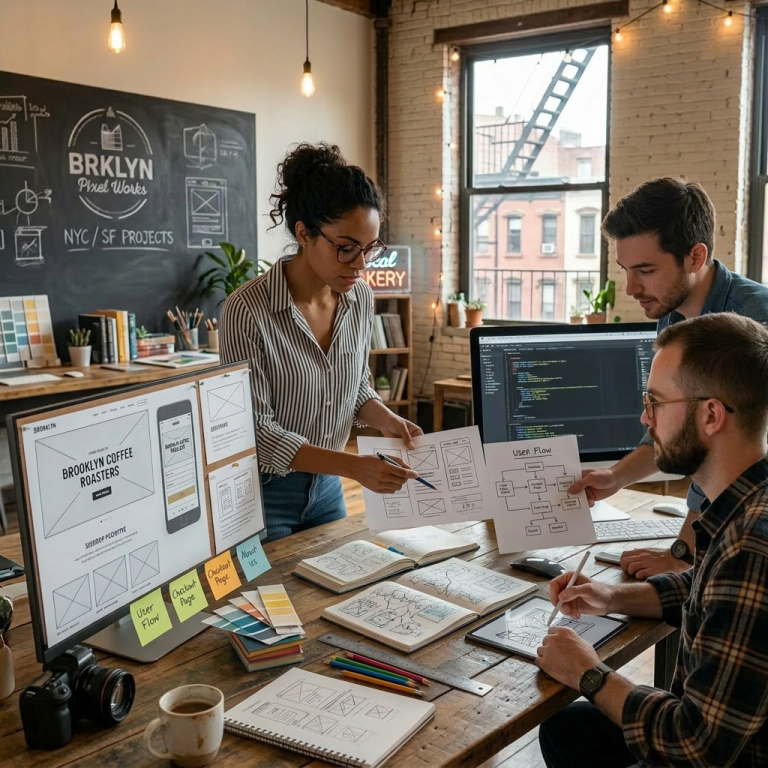
1. Audit before you touch anything
Pull your current traffic, top-performing pages, and highest-converting keywords before you change a single template. You need a baseline to compare against after launch, and you need to know which existing pages are quietly doing the most work.
2. Plan your content and URL redirects first
Decide what content is staying, what’s being rewritten, and what’s being cut — then map every old URL to its new destination with a 301 redirect plan. Skipping this step is the number one cause of a redesign tanking search rankings; unmapped URLs turn into 404 errors that both visitors and Google notice immediately.
3. Build on staging, not your live site
Set up a staging copy of your site so you can design, test, and break things without affecting the live version your customers see. Most managed WordPress hosts include staging environments for exactly this reason.
4. Test thoroughly before launch
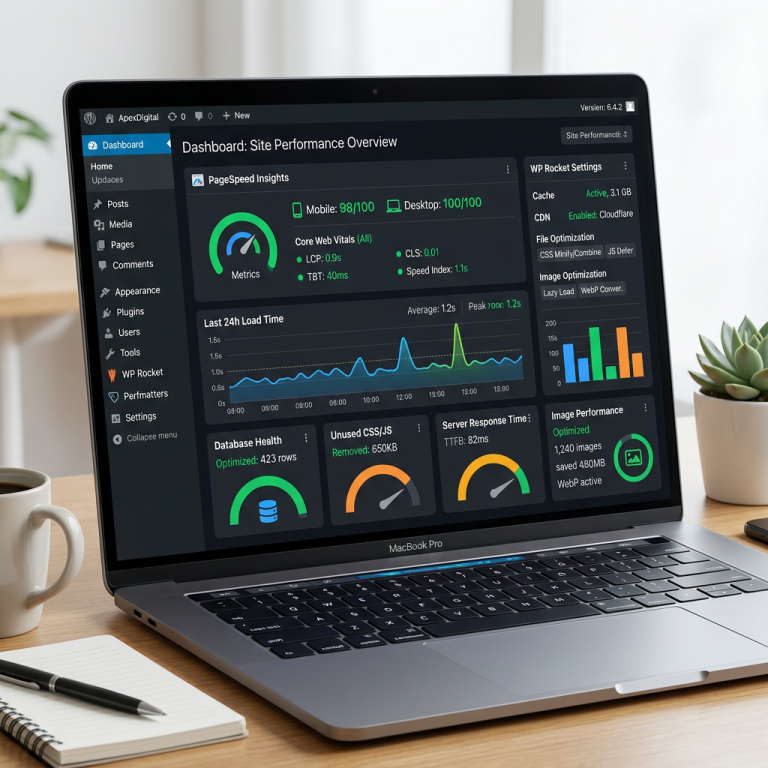
Check every redirect, form, and payment flow; test on real mobile devices, not just a resized browser window; and confirm page speed hasn’t regressed. A redesign that looks better but loads slower is a net loss.
5. Monitor closely after launch
Watch traffic, rankings, and conversion rates for the first few weeks. Reconnect analytics, verify your sitemap is submitted to Google Search Console, and fix any broken links or redirect gaps quickly — small issues compound if they sit unaddressed.
How Long Does a WordPress Redesign Take?
For a typical small business site, plan on somewhere between four and twelve weeks from kickoff to launch, depending on the number of pages, how much new content needs to be written, and how quickly you can turn around feedback rounds. Sites also tend to need a meaningful redesign every three to four years, or sooner if your industry’s design and SEO standards shift faster than that.
Common Mistakes That Sink a Redesign
- Redesigning without a goal. “Make it look modern” isn’t a brief. Decide first whether you’re solving for speed, conversions, mobile experience, or all three.
- Skipping the redirect map. This is the fastest way to lose years of accumulated search rankings overnight.
- Ignoring your best-performing content. If a page already ranks well and converts, redesign around it — don’t delete it just because it’s old.
- Launching without staging. Building directly on the live site guarantees visitors will see half-finished work.
- Treating launch as the finish line. The first month after launch is when you catch the issues that testing missed.
If you’d rather have this handled end-to-end — audit, redirect mapping, design, staging, and post-launch monitoring — Cloudvision’s WordPress web design service covers the full process for small business sites. It’s worth reading through the signs your site needs a redesign and how to speed up a WordPress site as companion reading before you scope your own project.
Frequently Asked Questions
How much does a WordPress website redesign cost?
Costs vary by scope, but small business redesigns commonly fall in the low-to-mid thousands for a template-based approach, with custom designs and added functionality pushing higher. Get a quote based on your actual page count and feature needs rather than a generic average.
Will I lose my Google rankings if I redesign my site?
Not if it’s done correctly. The biggest risk is unmapped URL changes creating 404 errors. A proper 301 redirect plan, built and tested on staging before launch, protects the rankings you’ve already earned.
Should I redesign my site or start completely from scratch?
Start from scratch only if the underlying platform, structure, or content strategy is fundamentally broken. If your site’s core content and traffic are healthy, a redesign that keeps your URL structure and content strategy intact is faster, cheaper, and lower-risk.
How often should I redesign my WordPress website?
Every three to four years is a common benchmark, though a sudden drop in traffic, a shift in your services, or a persistently poor mobile experience are all reasons to move sooner.
Can I redesign my WordPress site without taking it offline?
Yes — building the new design on a staging copy and only switching it live once everything is tested means your current site keeps running normally throughout the project.
Ready for a Website That Works as Hard as You Do?
See what a professional WordPress website from Cloudvision delivers in 2026. Book a free consult online or call 732-444-7799.