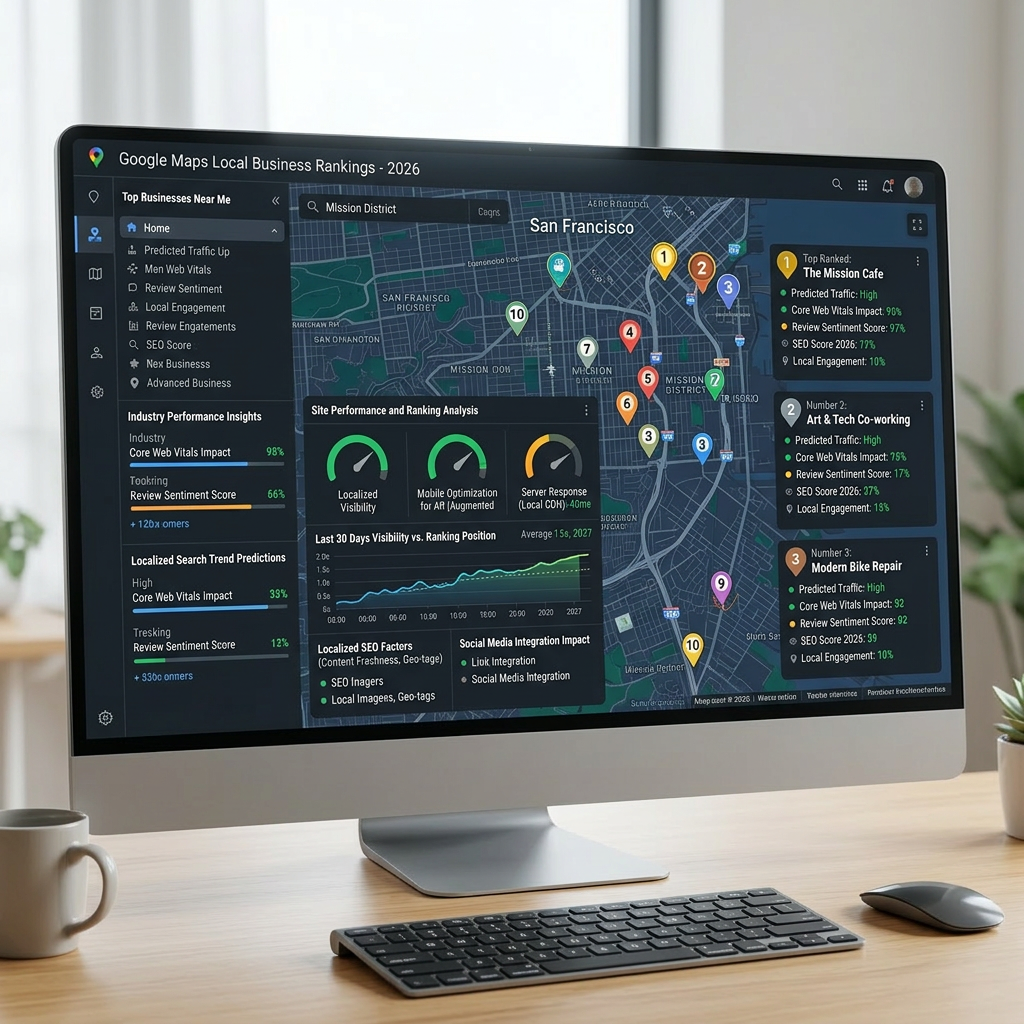
How to Rank a Local Business on Google in 2026
Google uses three signals to rank local businesses: relevance, distance, and prominence. You have no control over distance — Google uses the searcher’s location — but relevance and prominence are entirely in your hands. This guide walks through the exact steps to improve how your business shows up in local search, so you appear when nearby customers are ready to buy.
The Three Signals Google Uses for Local Rankings
Before you start optimizing, it helps to understand how Google thinks about local results.
Relevance is how closely your business matches what someone is searching for. If someone types “emergency plumber Newark,” Google checks your Business Profile category, website content, and service descriptions to decide whether you’re a match.
Distance is proximity to the searcher’s location at the time of the query. You can’t move your business, but a well-defined service area and consistent location signals across your website help Google understand your geographic footprint.
Prominence is how well-known and trusted Google considers your business to be. Reviews, local citations, backlinks, and a complete Google Business Profile all feed into this signal.
Most local SEO guides focus on one of these in isolation. Businesses that consistently outrank their competitors treat all three as a unified system — especially the connection between their website and their Google Business Profile.
Step 1 — Optimize Your Google Business Profile
Your Google Business Profile (GBP) is the highest-leverage, zero-cost action you can take for local search visibility. Here’s how to do it right.
Choose the Right Primary Category
Your primary category is the single most important field in your profile. According to the 2026 Whitespark Local Search Ranking Factors survey, it’s the top signal influencing Google’s Local Pack rankings. Be specific: “Pizza Restaurant” consistently outranks “Restaurant”; “Emergency Plumber” beats “Plumber.” Pick the category that most precisely describes your core offering, then add secondary categories for adjacent services.
Complete Every Field
Google states explicitly that businesses with complete and accurate information are more likely to appear in local search results. Fill in your hours (and update them for holidays), write a keyword-relevant description under 750 characters, list every service you offer with individual descriptions, and include your website URL. Don’t leave any field blank that you can honestly fill.
Add Photos That Do the Work
Businesses with photos on their GBP receive 42% more requests for directions and 35% more clicks to their websites, according to Google’s own research. Upload images covering your exterior, interior, team, and work in action. Aim for at least ten photos at launch and continue adding new ones regularly.
Step 2 — Build a Steady Review Cadence
Reviews account for roughly 16–20% of local ranking weight, according to the 2026 Whitespark survey. What matters isn’t just your total count — it’s the combination of volume, recency, and how consistently new reviews are arriving.
A burst of 30 reviews in January followed by months of silence will lose ground to a competitor who collects two or three new reviews every week. Google interprets consistent review velocity as a sign that your business is active and customers are satisfied. Ask every happy customer to leave a review, send them a direct link to your GBP review form, and respond to every review — positive and negative — within 48 hours. A thoughtful response to a critical review often builds more trust with prospective customers than a perfect star rating.
Step 3 — Keep Your NAP Consistent Everywhere
NAP stands for Name, Address, and Phone number. Google cross-references your GBP data against dozens of other sources — Yelp, Apple Maps, local directories, your chamber of commerce listing, your website — to verify you are who you say you are. Inconsistencies, even minor formatting differences like “St.” versus “Street,” create ambiguity that can quietly suppress your rankings.
Audit your top 20–30 directory listings and make sure every one matches your GBP exactly. Start with your own website: the NAP in your footer and on your contact page should be formatted identically to your GBP listing. Consistency here is the foundation everything else sits on.
Step 4 — Build a Website That Supports Your Local Rankings
Here’s what most local SEO guides underemphasize: in 2026, your Google Business Profile and your website are evaluated together, not as two separate assets. A strong GBP sitting on top of a thin, slow, or poorly structured website will steadily lose ground to a competitor whose entire online presence is coherent. If you’re weighing what a proper website build looks like, our guide to WordPress website development for small businesses covers what to expect.
Create a Location or Service-Area Page
If you serve a specific city or region, your website needs a page that makes this explicit. Include your city name naturally in the headline, body content, and meta title. Mention the neighborhoods or surrounding towns you cover, add a Google Map embed, and link from that page back to your GBP. This page becomes the on-site signal that reinforces your Local Pack ranking.
Add LocalBusiness Schema Markup
Schema markup is structured data that tells Google what your business is, where it operates, and what it offers — in a format the algorithm reads directly. Adding LocalBusiness schema to your homepage and contact page gives Google a machine-readable confirmation of your NAP and business type. On WordPress sites, plugins like Rank Math or Yoast SEO can generate this automatically once you enter your business details.
Make It Fast and Mobile-Ready
Google’s Core Web Vitals are a ranking factor in both organic and local search. A site that loads slowly on mobile signals a poor user experience. Target a Largest Contentful Paint under 2.5 seconds and minimize cumulative layout shift. A well-built WordPress site on quality hosting reaches these benchmarks consistently — it just needs to be set up correctly from the start, with proper image optimization and a lightweight theme.
Step 5 — Stay Active With Weekly GBP Posts
Google Business Profile posts are an underused signal. Posting weekly — a promotion, a project showcase, a seasonal tip — tells Google your business is active and engaged. Each post also extends your keyword relevance, surfaces in branded search results, and gives potential customers one more reason to engage. Keep copy tight, include a photo when possible, and add a clear call to action.
How Long Until You See Results?
For low-competition searches in smaller markets, you can see movement in the local pack within a few weeks of a full GBP optimization. For competitive terms in larger cities, expect 3–6 months of consistent effort before you hold a stable top-three position. The businesses that build lasting local visibility treat this as an ongoing practice — not a one-time setup.
If you’re in New Jersey and want to go deeper on the local search landscape, our guide to local SEO for small businesses in New Jersey covers what’s working in 2026.
Frequently Asked Questions
Do I need a website to rank on Google Maps?
Technically, no — you can claim a Google Business Profile without a website. But in competitive markets, businesses without websites tend to plateau early in local rankings. Google uses your website to verify your relevance, authority, and service area. A well-built site removes that ceiling.
How many reviews do I need to appear in the local pack?
There’s no universal threshold. What matters more is having more reviews than your nearest competitors and collecting them consistently over time. In some niches, 15–20 reviews can put you in the top three; in others, 100+ may be the benchmark. Velocity and recency count as much as total volume.
What is NAP consistency and why does it matter?
NAP stands for Name, Address, Phone number. When this information is identical across your website, GBP, and every directory listing, Google has a consistent, trustworthy picture of your business. Inconsistencies — even small formatting differences — can suppress your rankings.
Can I pay Google to rank higher in the local pack?
No. Google is explicit: there is no way to pay for a better position in the organic local pack. Paid search ads (Google Ads) appear separately and have no bearing on local pack rankings.
Does my social media activity affect local rankings?
Social signals aren’t a direct ranking factor, but active profiles with consistent NAP and links back to your website reinforce your overall online presence — and they’re often where early customer reviews and word-of-mouth begin.
Get found by more local customers with a WordPress site built for local search. Cloudvision designs and builds WordPress websites for small businesses across New Jersey and the New York metro area — fast, mobile-ready, and structured to support your local rankings from day one. See what we build at cloudvision.studio, book a free audit at cal.com/cloudvision, or call 732-444-7799.